
Power BI Dashboard Development in South Africa: Scope, Deliverables and What Good Looks Like
Scope a Power BI project around reliable data and the decisions it must support, with clear access, adoption and maintenance requirements.
Use this insight to
Assign the work, agree safeguards and identify dependencies and success measures before delivery begins.
Start a Power BI dashboard project with the decisions it needs to support. Choose the measures, charts and layout after those decisions are clear.
Check whether the underlying data can support those decisions.
That check helps you establish whether the report can support decisions reliably or will need spreadsheet reconciliation before each meeting.
For a South African business appointing a Power BI partner, a useful scope is:
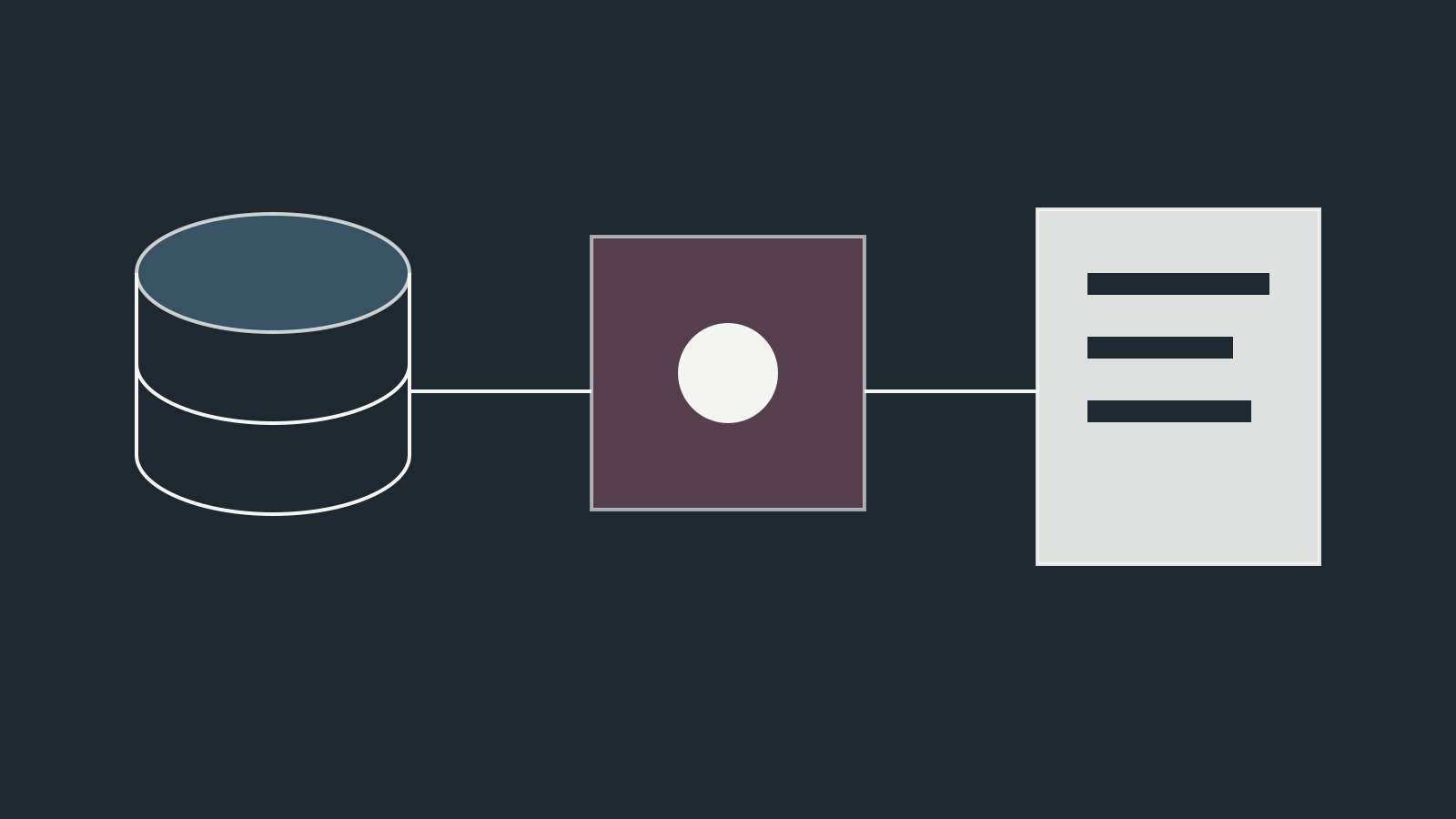
decision requirements → data sources → metric definitions → model → report experience → governance → adoption
What you are actually buying
A serious Power BI engagement can include several layers:
- stakeholder and decision discovery;
- source-system assessment;
- data extraction and transformation;
- semantic modelling;
- KPI definition;
- report and dashboard design;
- access and security;
- refresh configuration;
- testing and reconciliation;
- documentation;
- training;
- deployment and support.
Not every project needs every layer. But a quote for “five dashboards” tells you very little if the supplier has not assessed the data underneath them.
Step 1: define decisions and users
Before building anything, identify:
- who will use the report;
- which decisions they make;
- how often;
- what information they already use;
- what currently takes too long;
- which metrics are disputed;
- what action should follow material movement.
An executive scorecard and an analyst exploration report are different products.
The executive may need fifteen stable measures with exceptions highlighted. The analyst may need drill-through, detailed segmentation and flexible filters.
Trying to make one page serve everybody usually produces a dense compromise nobody enjoys.
Step 2: audit the sources
List the systems required for the decision.
Typical sources include:
- ERP;
- CRM;
- finance;
- ecommerce;
- GA4;
- Google Ads and other media platforms;
- spreadsheets;
- SQL databases;
- support systems;
- operational applications.
For each source, check:
- owner;
- access method;
- historical depth;
- update frequency;
- key identifiers;
- data quality;
- expected volume;
- known gaps.
A dashboard scope can change significantly when “the sales data” turns out to be three spreadsheets emailed by regional managers with different column names.
Step 3: define the metrics
A metric catalogue should document:
- name;
- business definition;
- formula;
- source;
- grain;
- exclusions;
- owner;
- refresh expectation.
Example:
Qualified lead
Definition: A new prospect enquiry accepted by Sales as relevant to an offered service and within the target market.
Excludes: spam, suppliers, job seekers, existing-customer support and duplicate submissions.
That is much more useful than a DAX measure called [Qualified Leads] whose meaning lives only in one developer's memory.
Step 4: design the semantic model
This is where maintainability is won or lost.
Microsoft recommends dimensional modelling principles for Power BI semantic models. In a typical star schema:
- dimension tables support filtering and grouping;
- fact tables support summarisation.
For example:
Dimensions
- Date
- Customer
- Product
- Channel
- Salesperson
- Geography
Facts
- Orders
- Revenue
- Leads
- Opportunities
- Media spend
This structure makes calculations easier to reason about and reduces the temptation to create one enormous flat table containing every field humanity has ever encountered.
Step 5: decide where transformation belongs
Power Query can perform substantial transformation, but not every organisation should make the PBIX file its data warehouse.
If the project involves:
- large volumes;
- many reports;
- complex transformation;
- shared enterprise definitions;
- several downstream tools;
- demanding refresh windows;
it may be better to move transformation upstream into a warehouse, lakehouse or managed data pipeline.
The architecture should reflect scale and reuse, not tool enthusiasm.
Step 6: design the report around hierarchy
A useful management report often follows three levels.
Level 1: scorecard
What changed and does it require attention?
Level 2: diagnosis
Where is the movement concentrated?
Level 3: detail
Which customers, products, campaigns or transactions explain it?
This allows a leader to move from signal to evidence without being confronted with a spreadsheet wearing a visualisation costume.
What good dashboard design looks like
Good design usually means:
- clear hierarchy;
- restrained use of colour;
- meaningful comparisons;
- enough context to interpret movement;
- consistent number formats;
- sensible filter defaults;
- accessible labels;
- limited visual clutter;
- performance fast enough for real use.
Use charts because they answer questions, not because the platform provides them.
A gauge chart, for instance, can look satisfyingly executive while communicating less than a number, a target and a variance.
Scope deliverables that matter
A buyer should expect clarity on outputs such as:
Discovery
- stakeholder interviews;
- decision inventory;
- report requirements;
- data-source map.
Data and model
- source connections;
- transformation logic;
- semantic model;
- metric catalogue;
- data-quality findings.
Reporting
- wireframes or report prototypes;
- final pages;
- navigation;
- filters;
- drill-through where justified.
QA
- reconciliation to source systems;
- test cases;
- performance checks;
- access testing;
- refresh validation.
Handover
- model documentation;
- source documentation;
- refresh/support runbook;
- training;
- ownership and maintenance plan.
Reconciliation should be explicit
Before launch, agree what each material metric will be reconciled against.
For example:
- monthly recognised revenue against Finance;
- order count against ecommerce or ERP;
- opportunity pipeline against CRM;
- media spend against advertising platforms.
Differences may be legitimate because systems use different timing or definitions.
Document the reason rather than “fixing” one number until it happens to resemble another.
Security is part of the design
Power BI can expose sensitive business and customer information.
Define:
- workspace access;
- report permissions;
- row-level security where required;
- service accounts;
- dataset ownership;
- export permissions;
- sharing rules;
- offboarding procedures.
Security requirements should be known before model and report design, particularly where access differs by region, client or business unit.
Refresh architecture matters
Ask:
- How fresh does the decision need to be?
- Does daily refresh suffice?
- Is near-real-time actually necessary?
- Which sources have API or gateway constraints?
- What happens if refresh fails?
- Who receives the alert?
“Real time” is often requested because it sounds modern, not because someone is making a decision every 30 seconds.
Freshness should match the operating cadence.
What to ask a Power BI supplier
- How do you turn stakeholder requests into decision requirements?
- How will you assess our source data before committing to dashboard scope?
- How do you define and govern KPIs?
- What modelling approach will you use?
- When would you recommend a warehouse rather than transforming inside Power BI?
- How will you reconcile the outputs?
- How will access and row-level security be designed?
- How do you test report performance?
- What documentation will we own?
- How will internal users be trained?
- What is included in post-launch support?
- How do you handle changes to source systems?
Red flags
Be cautious when a proposal:
- prices only by number of pages;
- skips source discovery;
- contains no metric-definition work;
- has no reconciliation plan;
- assumes every spreadsheet is trustworthy;
- treats data modelling as invisible implementation detail;
- has no security scope;
- offers “real-time dashboards” without a business requirement;
- leaves documentation optional;
- has no named owner for maintenance.
What affects project effort
Without pretending there is one universal South African price, project effort usually rises with:
- number and complexity of sources;
- poor data quality;
- lack of common identifiers;
- historical migration requirements;
- complex business logic;
- row-level security;
- refresh frequency;
- number of audiences;
- report complexity;
- upstream engineering required;
- governance and documentation needs.
The report canvas is often the easiest part.
A phased delivery model
Phase 1: decision and data diagnostic
Confirm scope, sources and data viability.
Phase 2: model and prototype
Build the semantic foundation and one representative report flow.
Phase 3: report delivery
Complete the agreed pages and interactions.
Phase 4: reconciliation and user acceptance
Test numbers, access and usefulness with real stakeholders.
Phase 5: adoption and operation
Train users, monitor refreshes, document ownership and improve based on use.
This sequence reduces the risk of discovering fundamental data problems after all the layouts have been approved.
Measure whether the dashboard is used to decide
After launch, look beyond views.
Ask:
- Are management meetings using the report?
- Has manual preparation time fallen?
- Are metric disputes reduced?
- Can users diagnose material movement faster?
- Are recurring decisions tied to the report?
- Are obsolete spreadsheets being retired?
A dashboard can be technically correct and still fail adoption.
Further reading
- Microsoft Learn, Understand star schema and the importance for Power BI: https://learn.microsoft.com/power-bi/guidance/star-schema
Abrasim approaches Power BI as a decision-intelligence engagement rather than a visual-design task: establish trusted definitions and models first, then design the interface leadership needs to act.